This message is for AFNI users who have macOS computers and are considering an upgrade to the new macOS Tahoe (version 26) operating system.
Please be aware that this OS version has a known bug in interacting with XQuartz. Therefore, we recommend that current and near-term AFNI users and sys admins do not upgrade their macOS machines to Tahoe.
The mac-bug causes the AFNI and SUMA GUIs to turn black, such as after opening a panel or resizing a window. The buttons still work but are invisible.*
We, along with many other developers using X in applications, are working to implement a workaround for this mac-bug. (Currently, one quick fix is to minimize the offending GUI and then restore it by clicking it in the dock. This forces a refresh for the GUI, but is obviously not a long-term solution.)
Please feel free to forward this on to others who may benefit from this notice.
If you have any questions, please let us know.
Thanks,
pt
*So actually, as we expect that most users have probably memorized the location of every button and menu option anyways, this might not be much of an issue at all.
As an update to this, @rwcox123 , @dglen and @rickr have added several updates to make the main features in the AFNI GUI workable in macOS Tahoe. Many thanks to them for these time-intensive efforts! These overcome some Xquartz breakages introduced into this specific macOS version via Liquid Glass features.
So, those users with macOS Tahoe should update their AFNI versions, whether building the source code locally or using precompiled binaries, with:
@update.afni.binaries -defaults
Please let us know if there are any issues after that (NB: some AFNI sub-menus will still have the black-screen-after-resize issue.)
We still recommend not upgrading your macOS to Tahoe at this time, if you are able to wait. Our brave explorers are now journeying into the SUMA code and other GUI features to implement updates.
@dglen and @rickr did a huge amount of work to get around this initial Xquartz bug, and they were able to make AFNI work on macOS Tahoe since earlier this year.
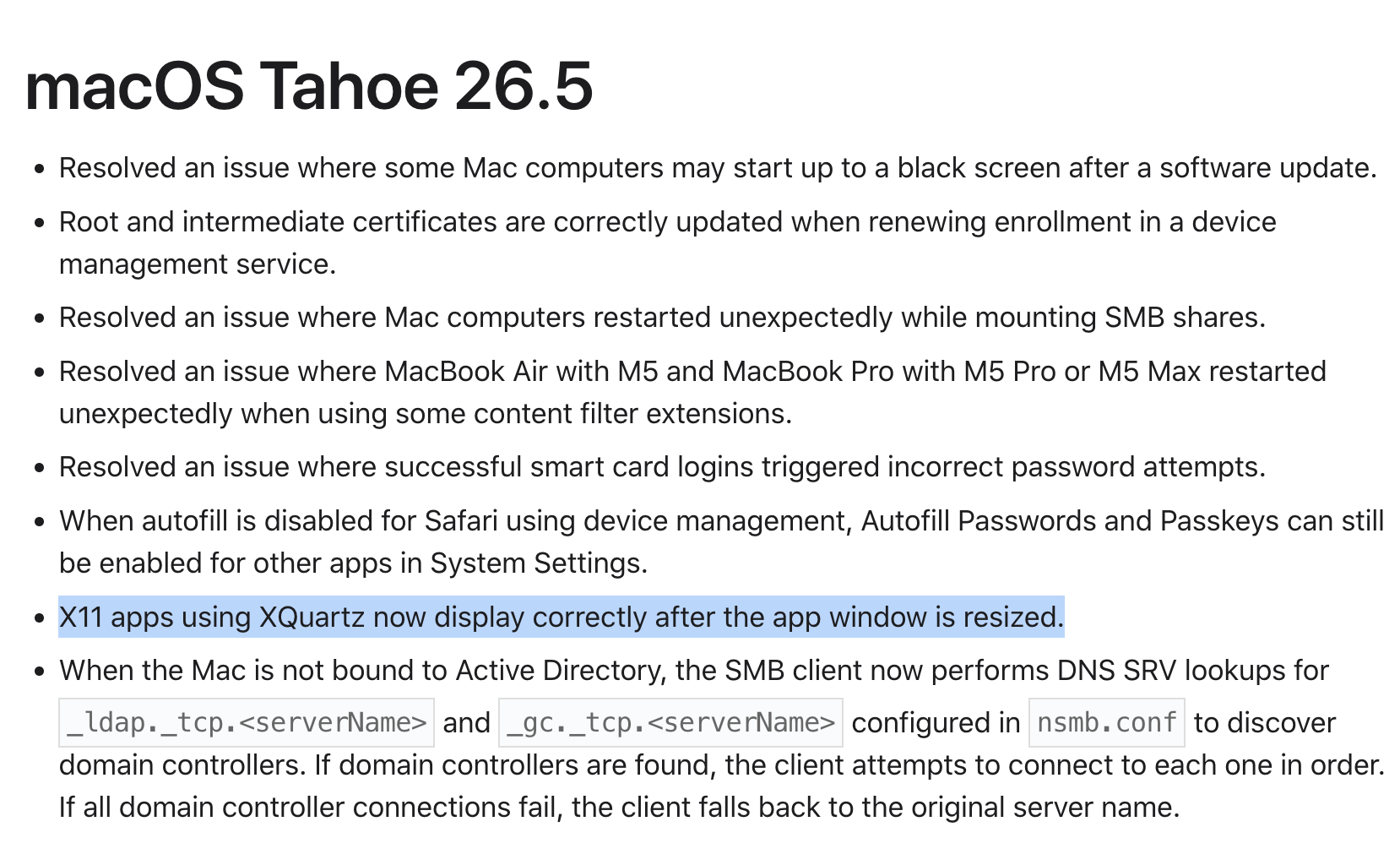
In particularly good news, we also worked with local mac engineering support and Apple support to file an issue with Apple back in January, and it looks like the Apple engineers have fixed the issue with XQuartz. The AFNI and SUMA GUIs no longer have this black-screen-after-resize issue (nor do the many affected softwares around the globe that use X11, hence there was much rejoicing on GitHub), in the recent Tahoe Beta 26.5 release. Yay! Thanks again to @dglen, @rickr , and the many people who helped with this.
Coming back down to Earth again, we are now working on a separate macOS issue that has popped up in recent versions of Homebrew, with the "mesa" package dependency. Hopefully we will have a plan to deal with the changes/badness occurring there.
I’m running AFNI_26.1.04 (built today from master using build_afni.py -package macos_13_ARM) on macOS Tahoe with mesa downgraded to 25.3.4.
I have a persistent issue where the RH surface paints correctly from an AFNI overlay via Talk to SUMA, but the LH surface doesn’t paint. The LH SUMA controller shows Val=Err, Err, Err with the label 'col=masked by zero'.
The error message on the LH surface is: ** surf 'std.141.lh.smoothwm.gii': invalid seq, sort or base (0, 1, 0).
Loading a .lh.niml.dset directly into SUMA works fine and LH renders correctly, so the surface, spec file, and SUMA rendering are likely not the problem?
Another thing, the AFNI crosshair notice reports a negative X coordinate for a node on the RH surface, (AFNI is displaying in LPI=SPM convention)
I should say, this issue was present before the new buil, so it wasn’t introduced by AFNI_26.1.04 but I wanted to report it with the current version in case it is related to the ongoing Tahoe/X11 SUMA work.
Happy to provide any additional diagnostic output. Thanks for all the work on the Tahoe fixes!
I had gotten okay at flying AFNI in blind / Jedi mode but this is still welcome news.
The
National Institute of Mental Health (NIMH) is part of the National Institutes of
Health (NIH), a component of the U.S. Department of Health and Human
Services.